Offcanvas Menu Open menu bar
Logo
  • Email

    contact@vjdance.com
  • Service Scope

    Global online delivery
    Dance visuals / LED screens / Projection visuals
Youth in Motion

Human–Screen Interaction Performance

Youth in Motion

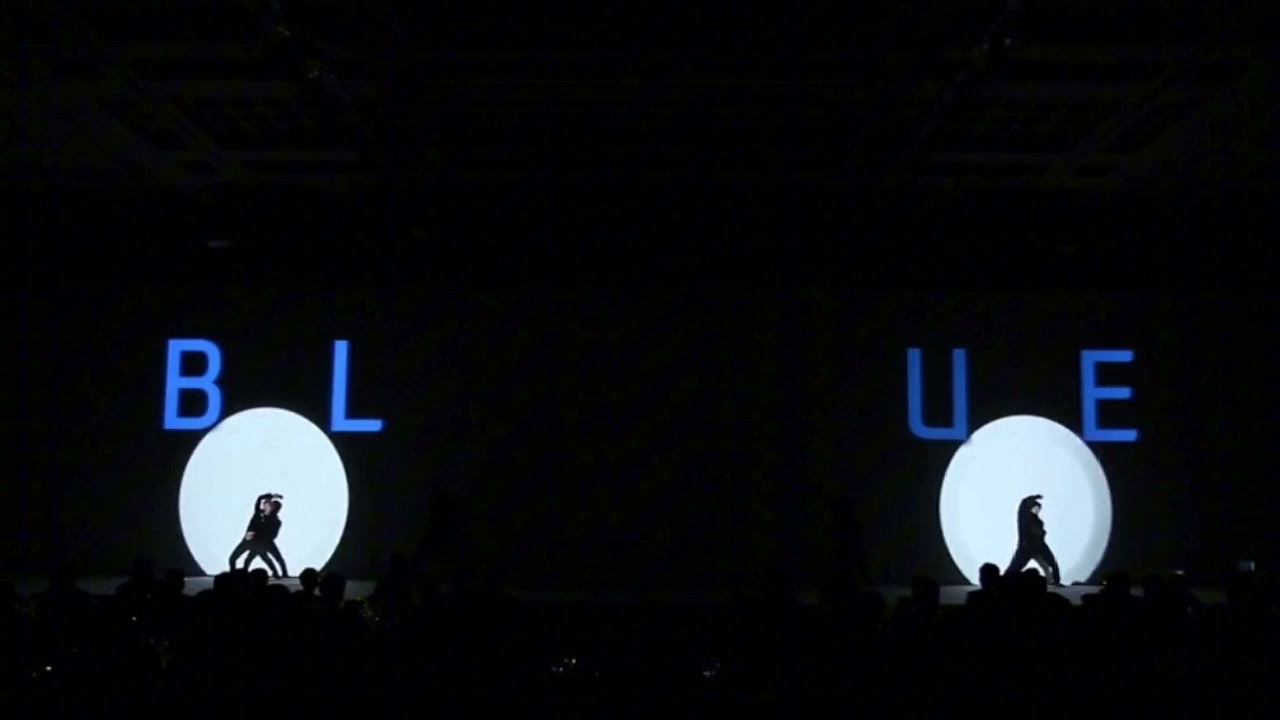
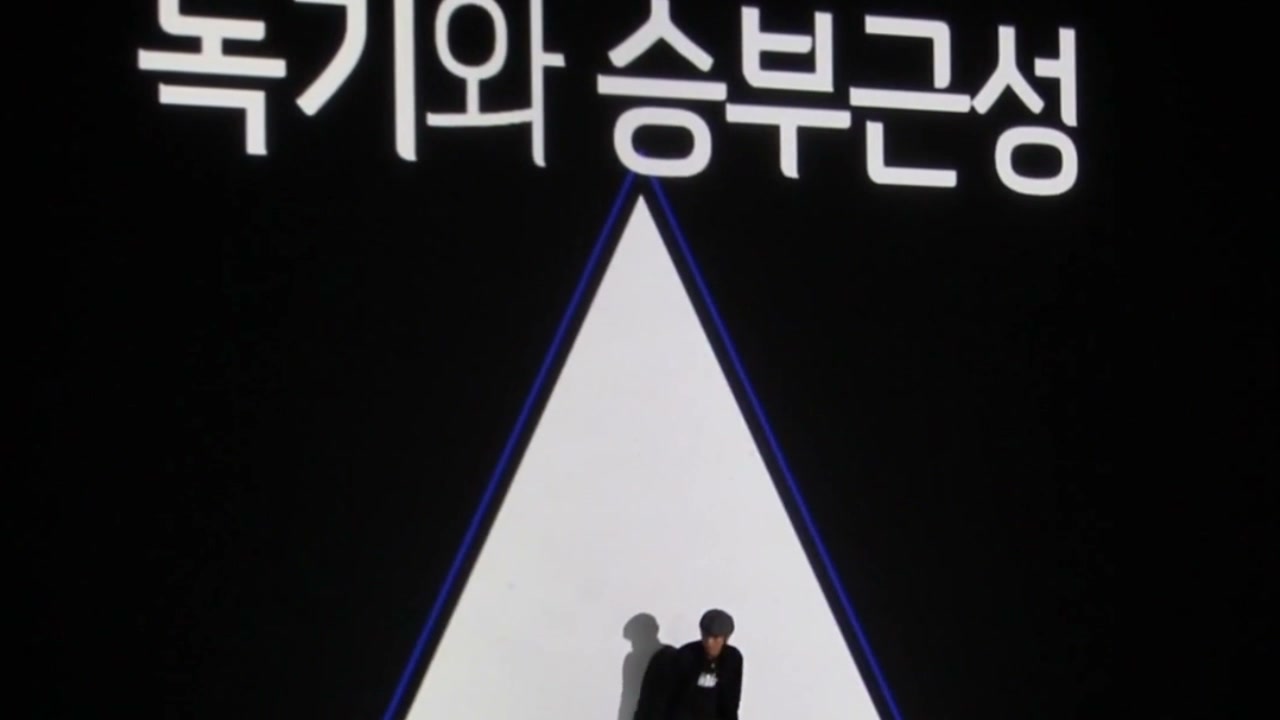
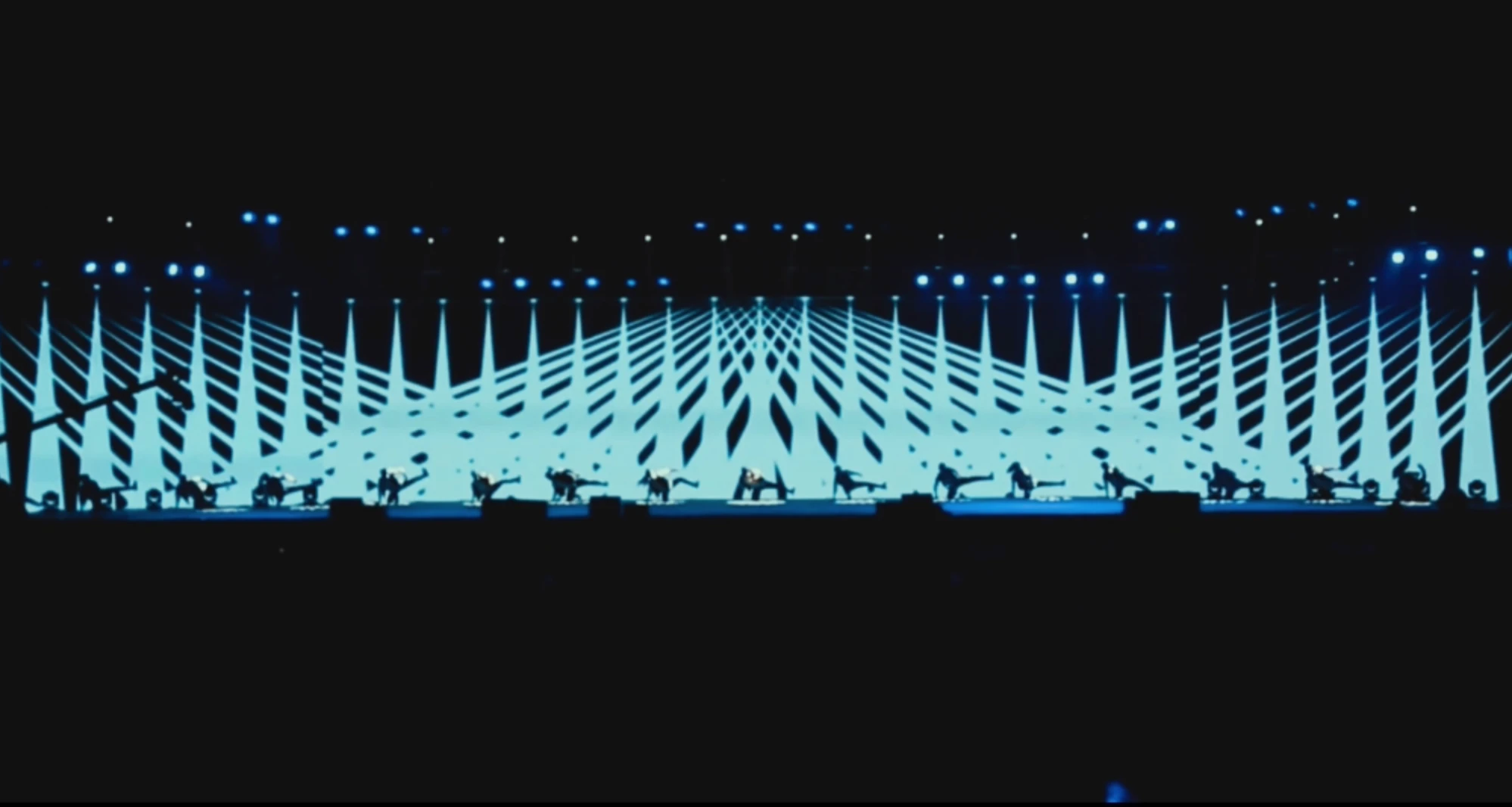
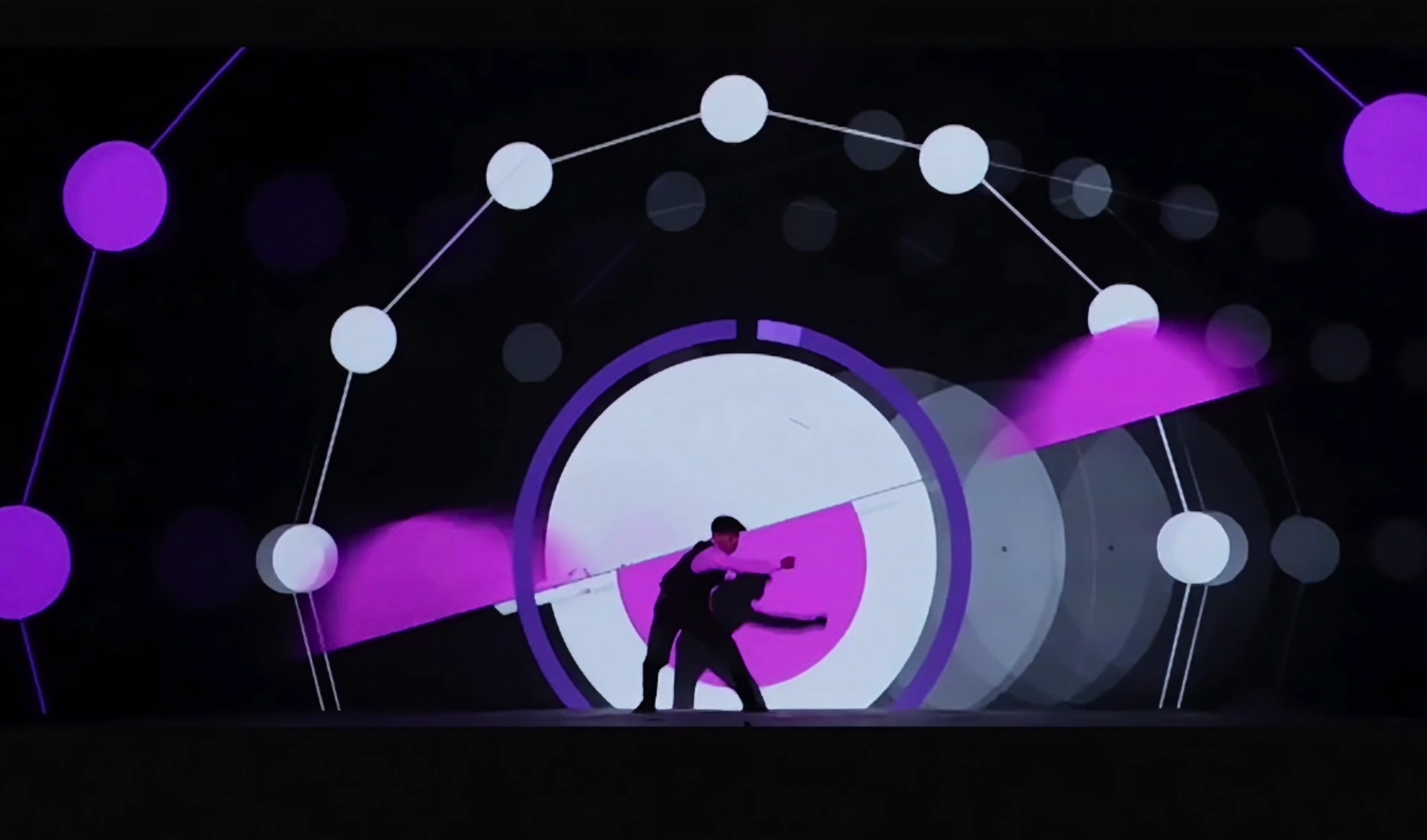
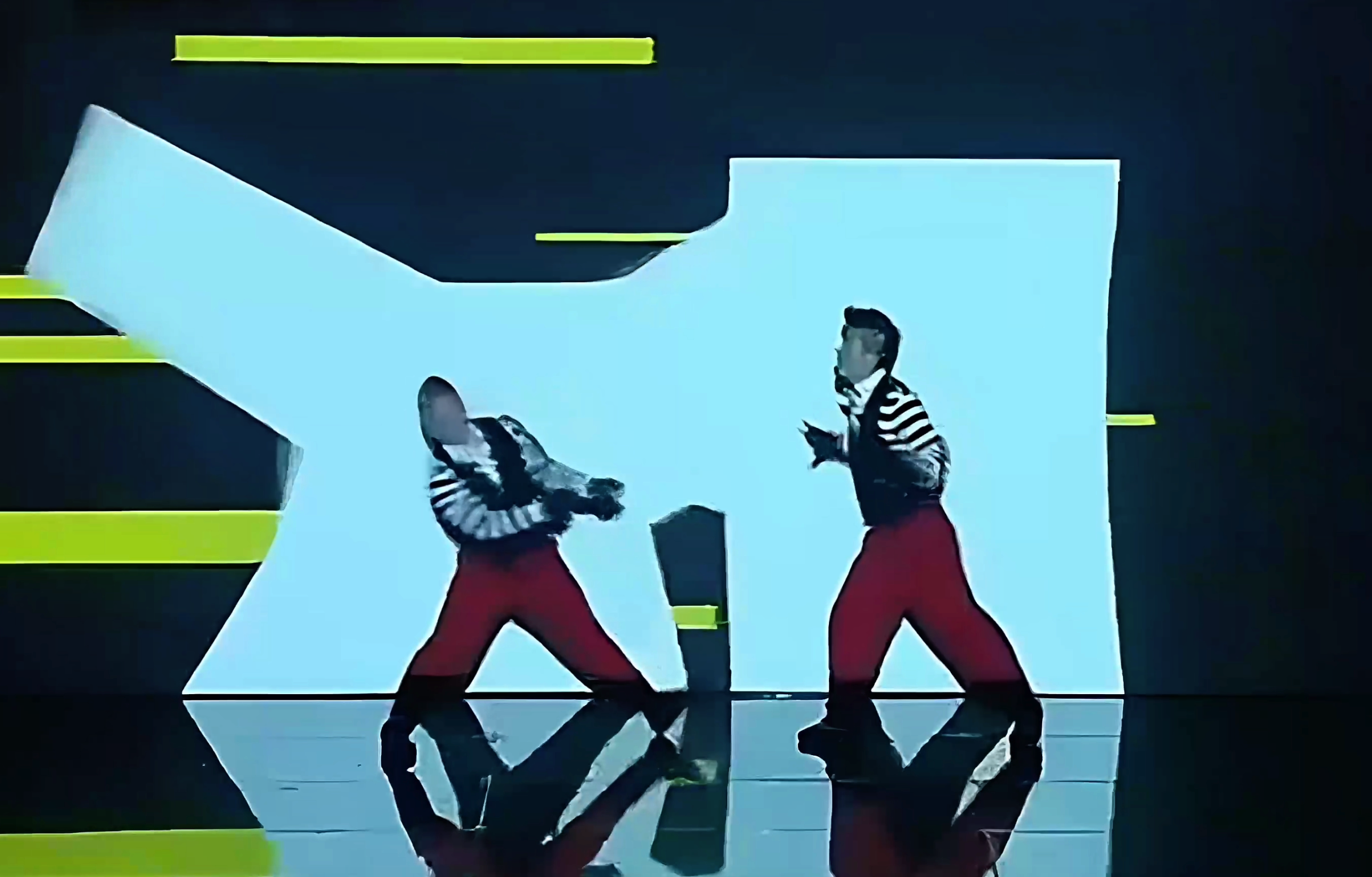
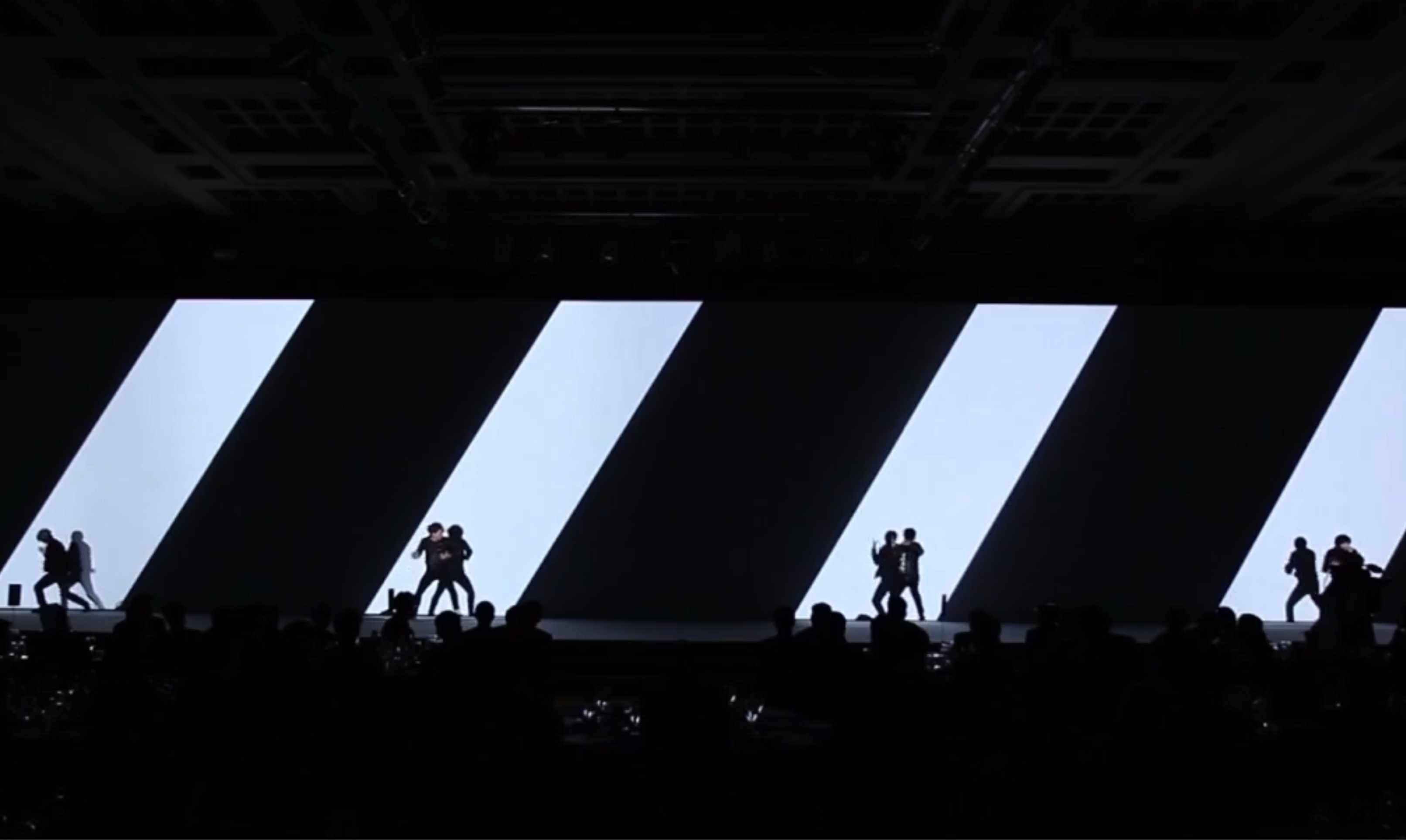
Black-and-white diagonal gates open across the stage as dancers move through fast solos, partner exchanges, and ensemble formations. Type, energy lines, and shifting geometry give youthful speed a disciplined visual pulse.

Duration 02:32
Project Type Human–Screen
Visual Mood Bold · Energetic
Visual Language Diagonal Gates · Type · Energy Lines
Choreography Solo, Duet & Ensemble
Presentation Live Stage
01THE FILM

Full Performance Video

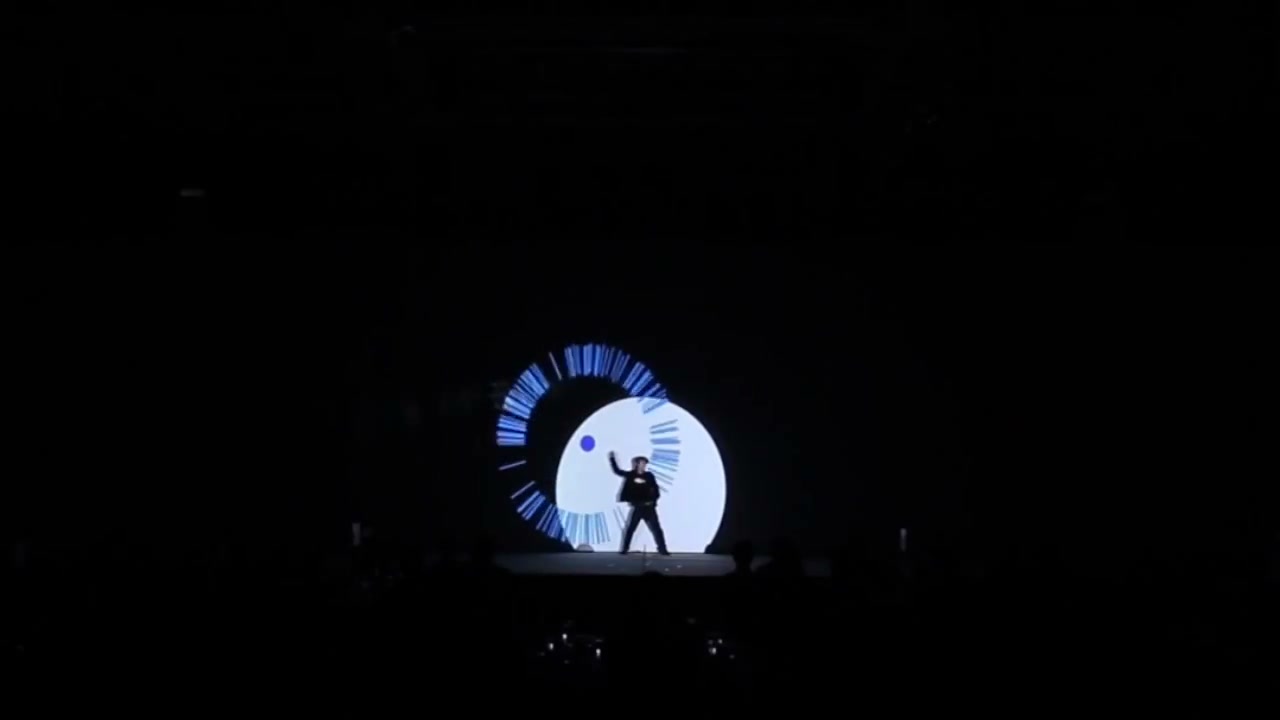
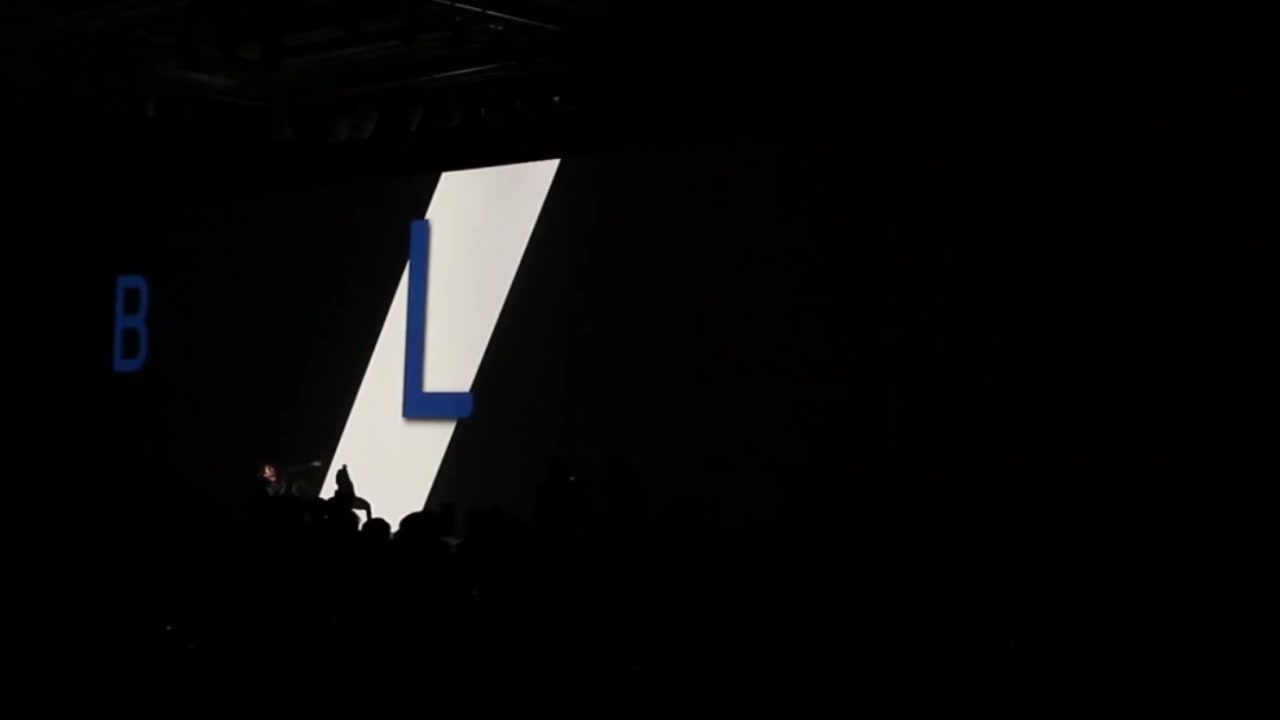
The sequence runs from countdowns and fragmented letters through diagonal gates, partner handoffs, energy trails, solo focus, and group resonance.

02THE CONCEPT

Performance Concept

Speed, experimentation, and partner response show how individual drive can mature into a shared direction.

Youth is not simply speed; it is the ability to try, adjust, listen, and keep moving toward something larger than oneself.

VJ Dance · Visual Project Solution

Core Concept

The diagonal gates create choices before they create destinations. Young energy enters a world that is still being mapped.

Fast transitions celebrate the courage to act, but the choreography also leaves room for correction, response, and a change of direction.

Solo passages protect individual character. Youthful confidence becomes richer when it has a distinctive voice rather than a uniform pose.

Duets and ensemble patterns turn that confidence into cooperation, showing how momentum becomes sustainable through awareness of others.

The work presents youth as an active capacity: to remain open, learn quickly, and transform uncertainty into a direction people can share.
03BEFORE / AFTER

Original × Visual

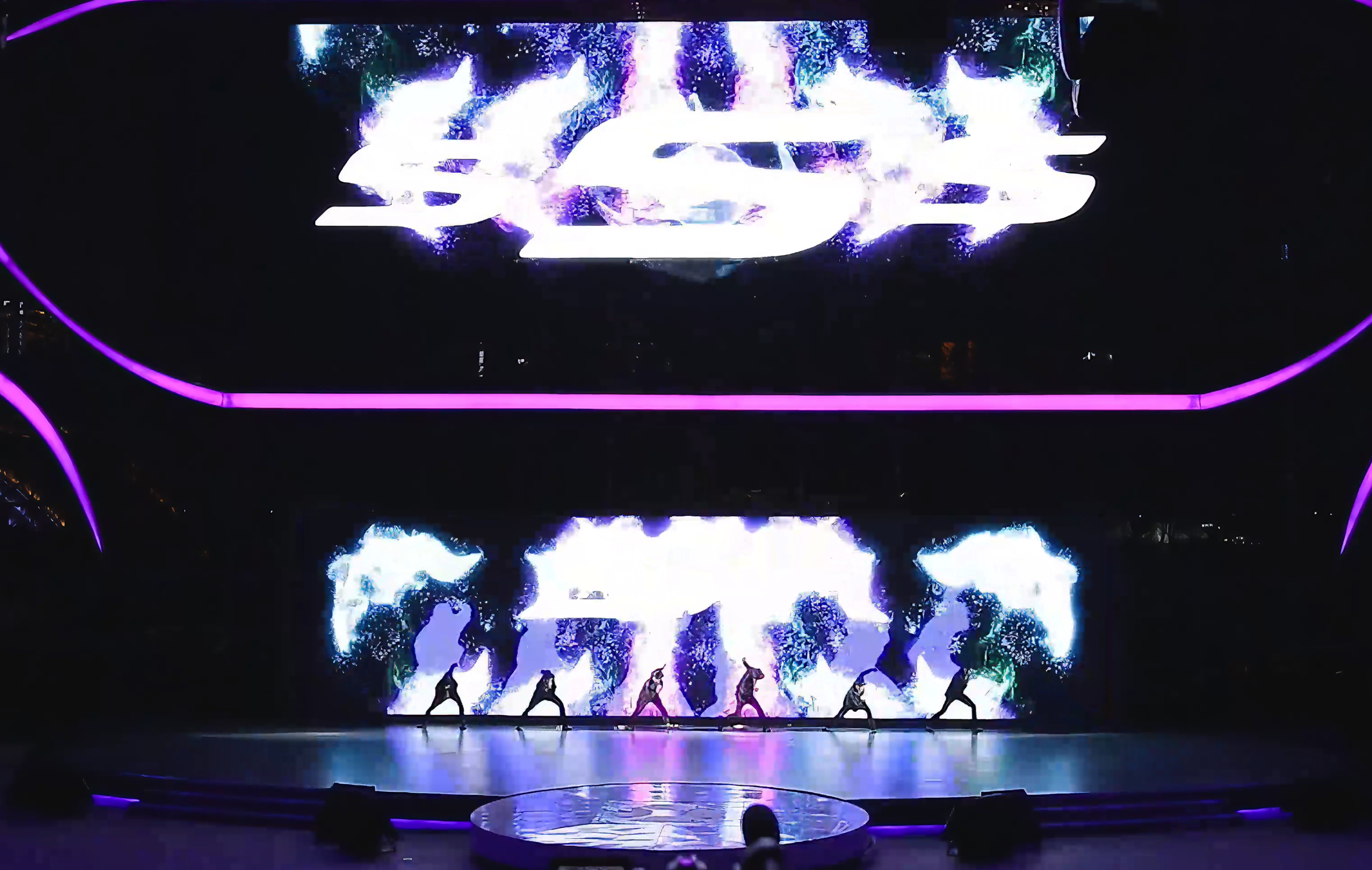
Speed, experimentation, and partner response show how individual drive can mature into a shared direction.

Synchronized Comparison
Top | Original Performance Bottom | Visual Production

WHY IT MATTERS

Youth in Motion captures energy without mistaking noise for momentum. It gives individuals room to stand out, then shows how those distinct strengths can become a coordinated force on stage.

04VISUAL SYSTEM

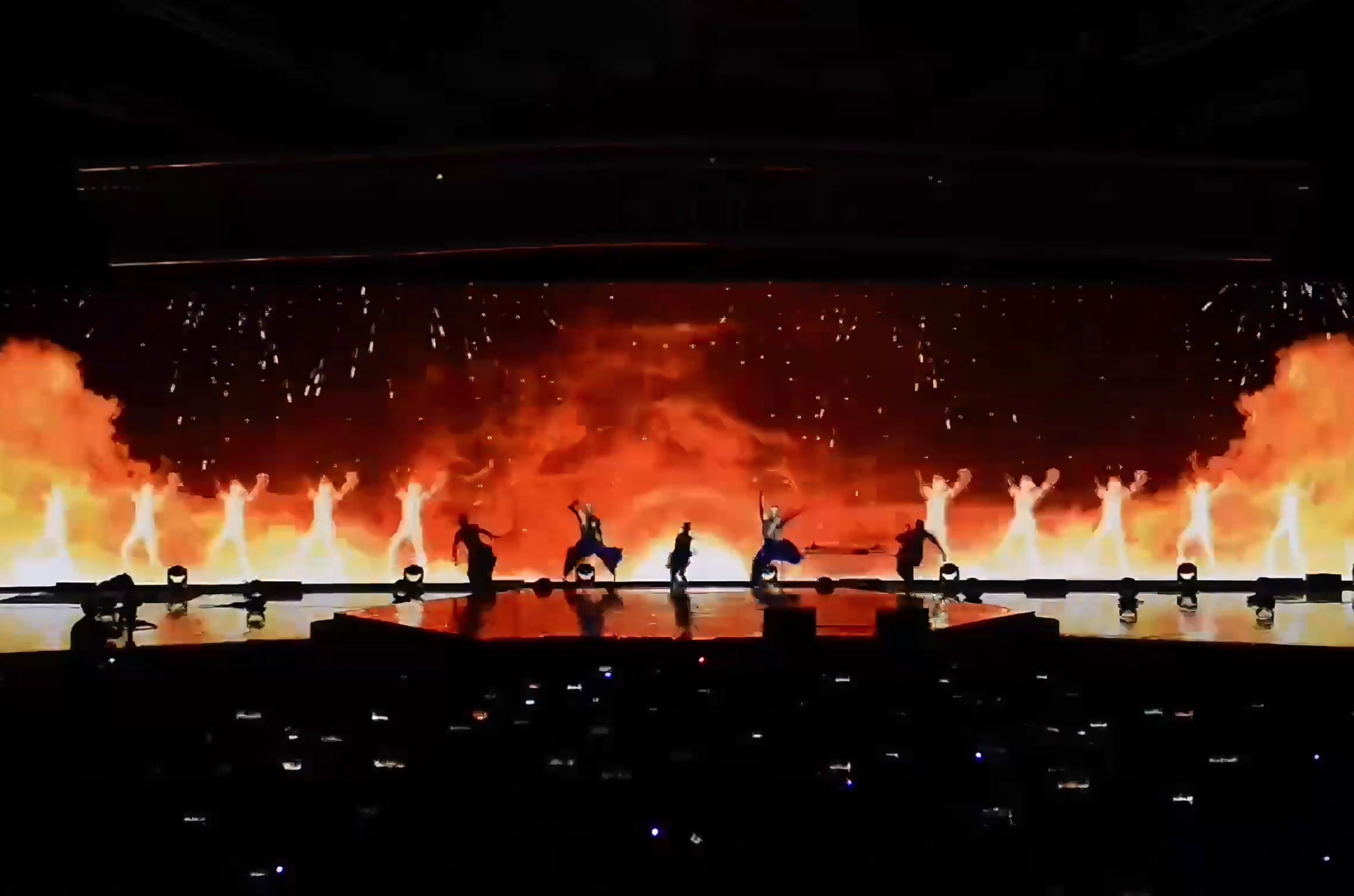
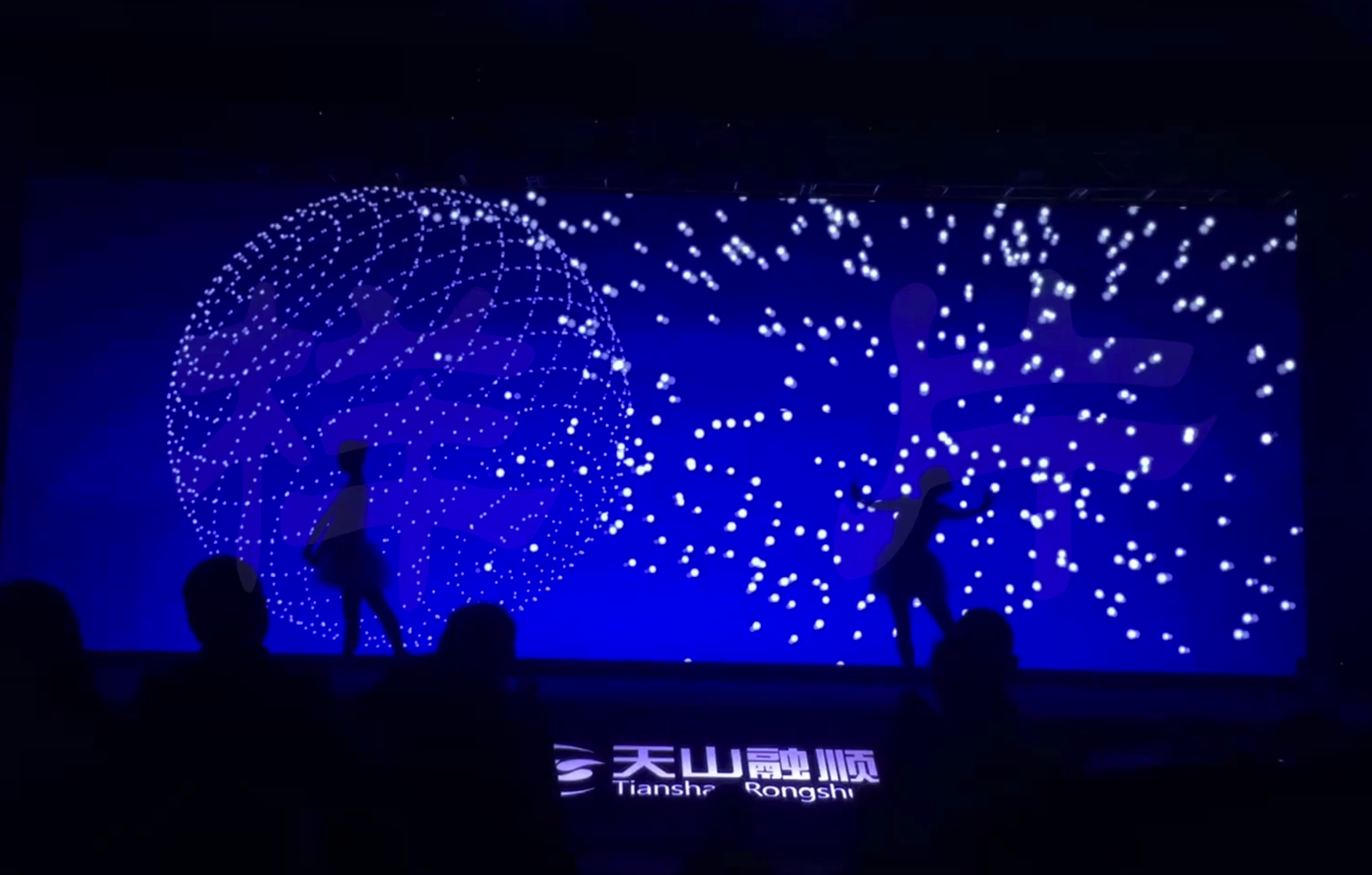
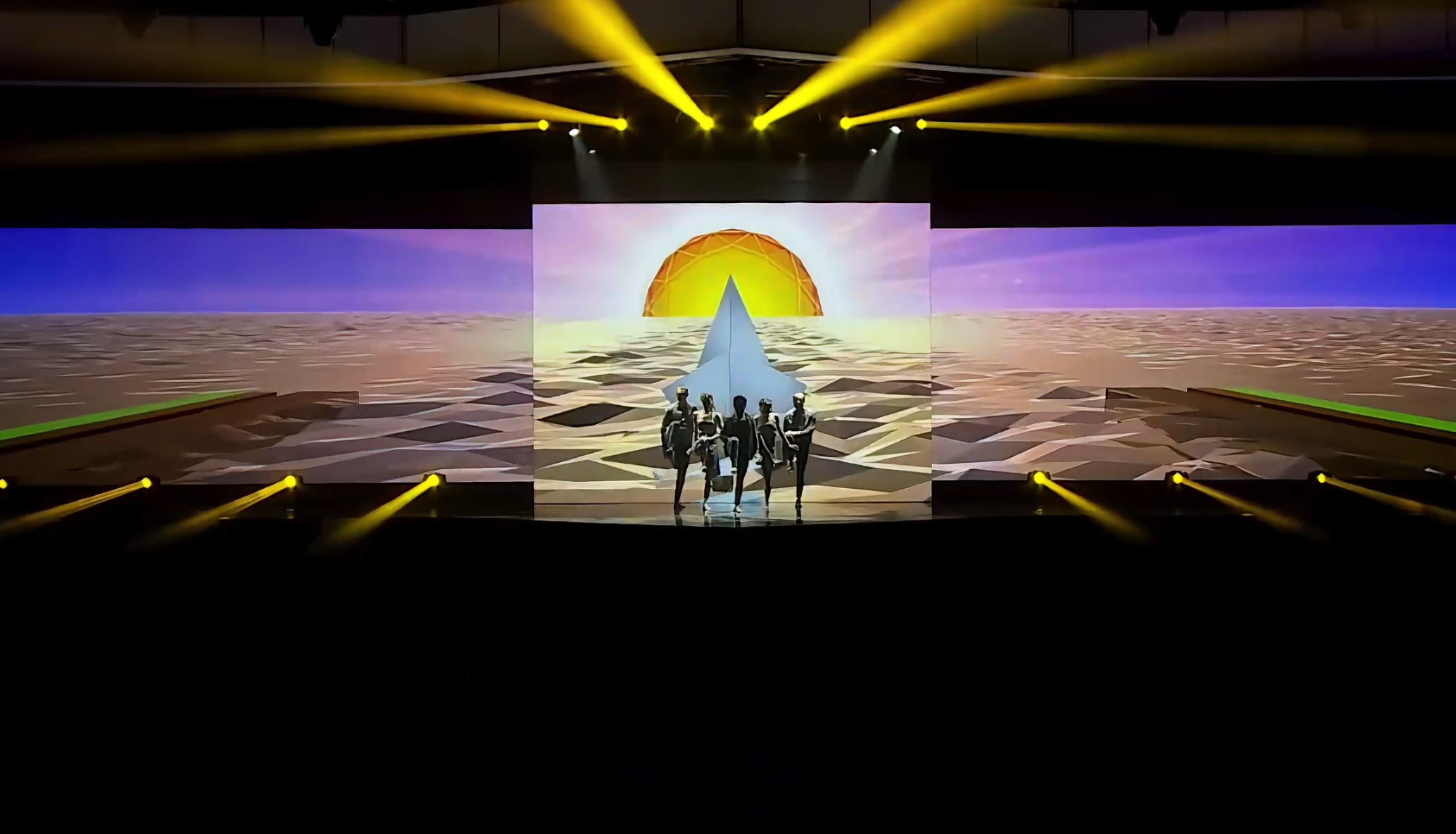
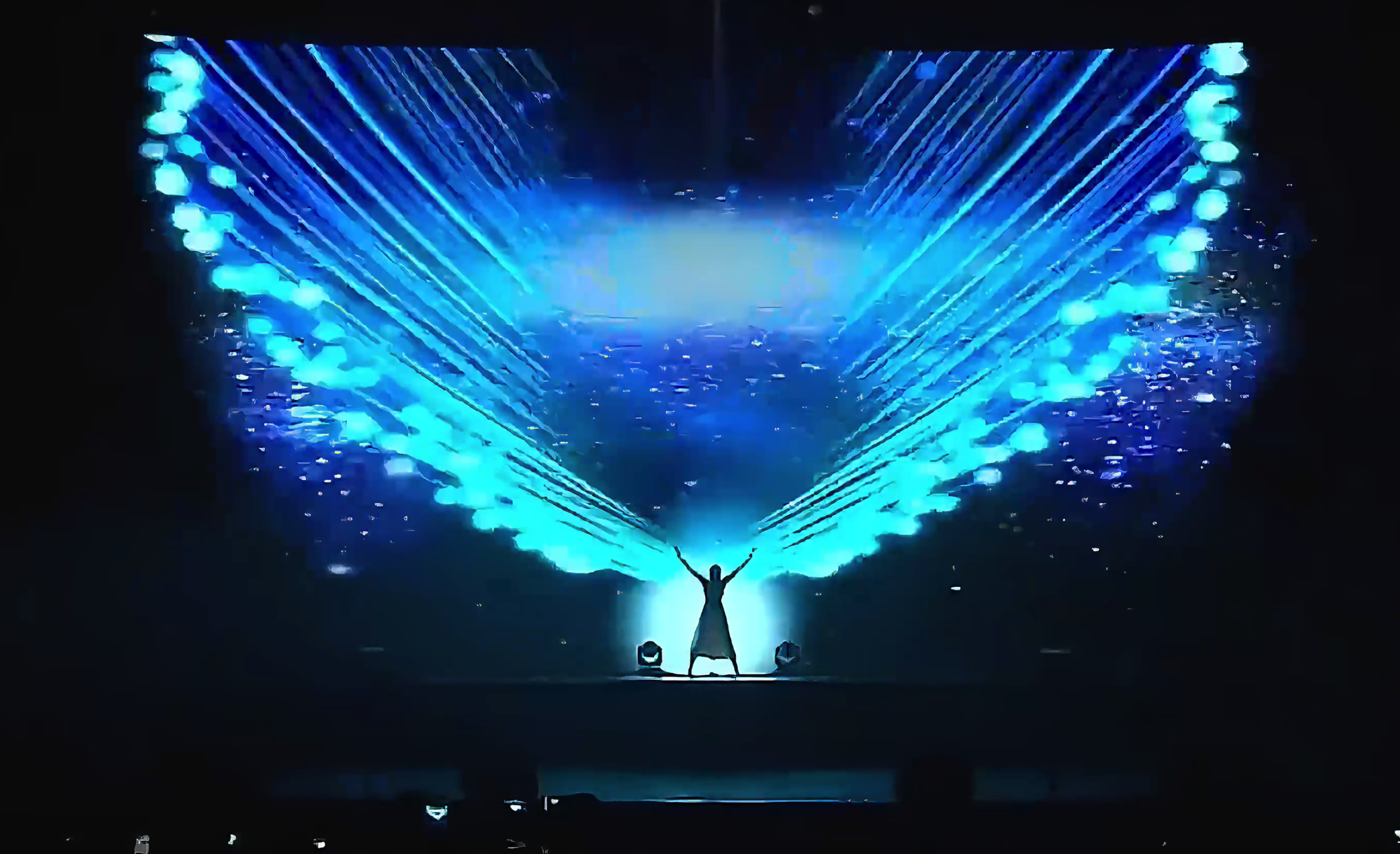
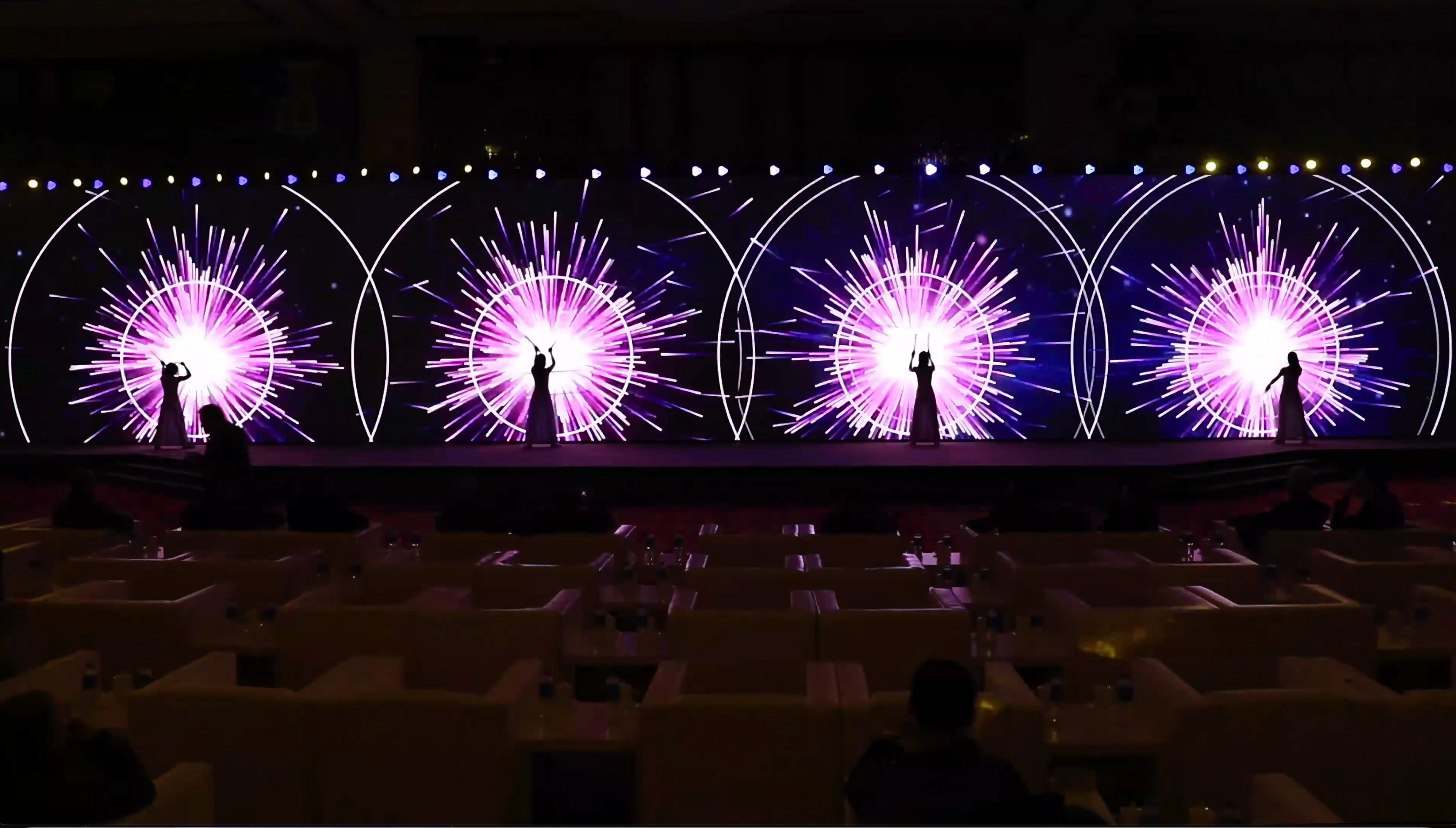
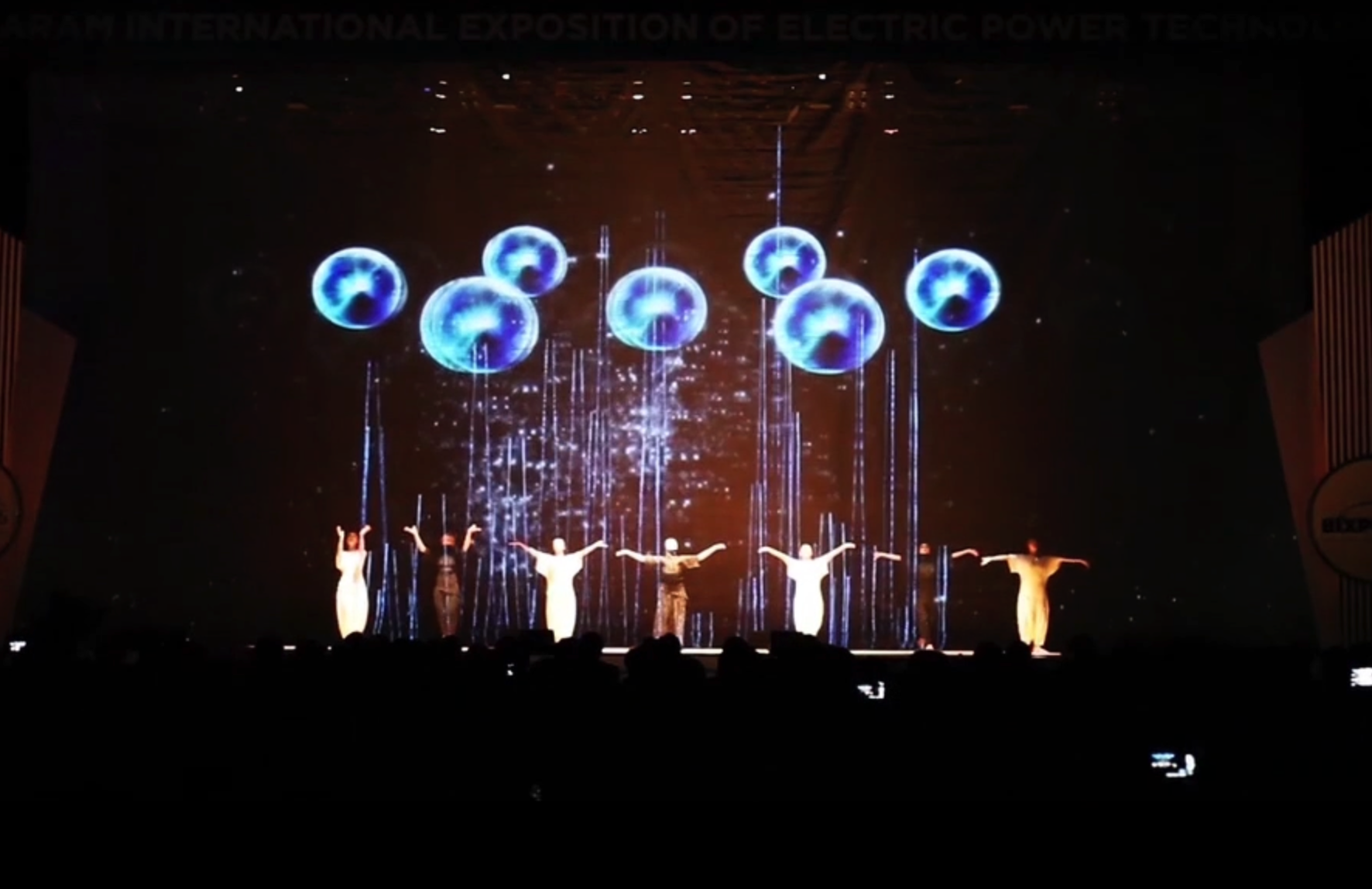
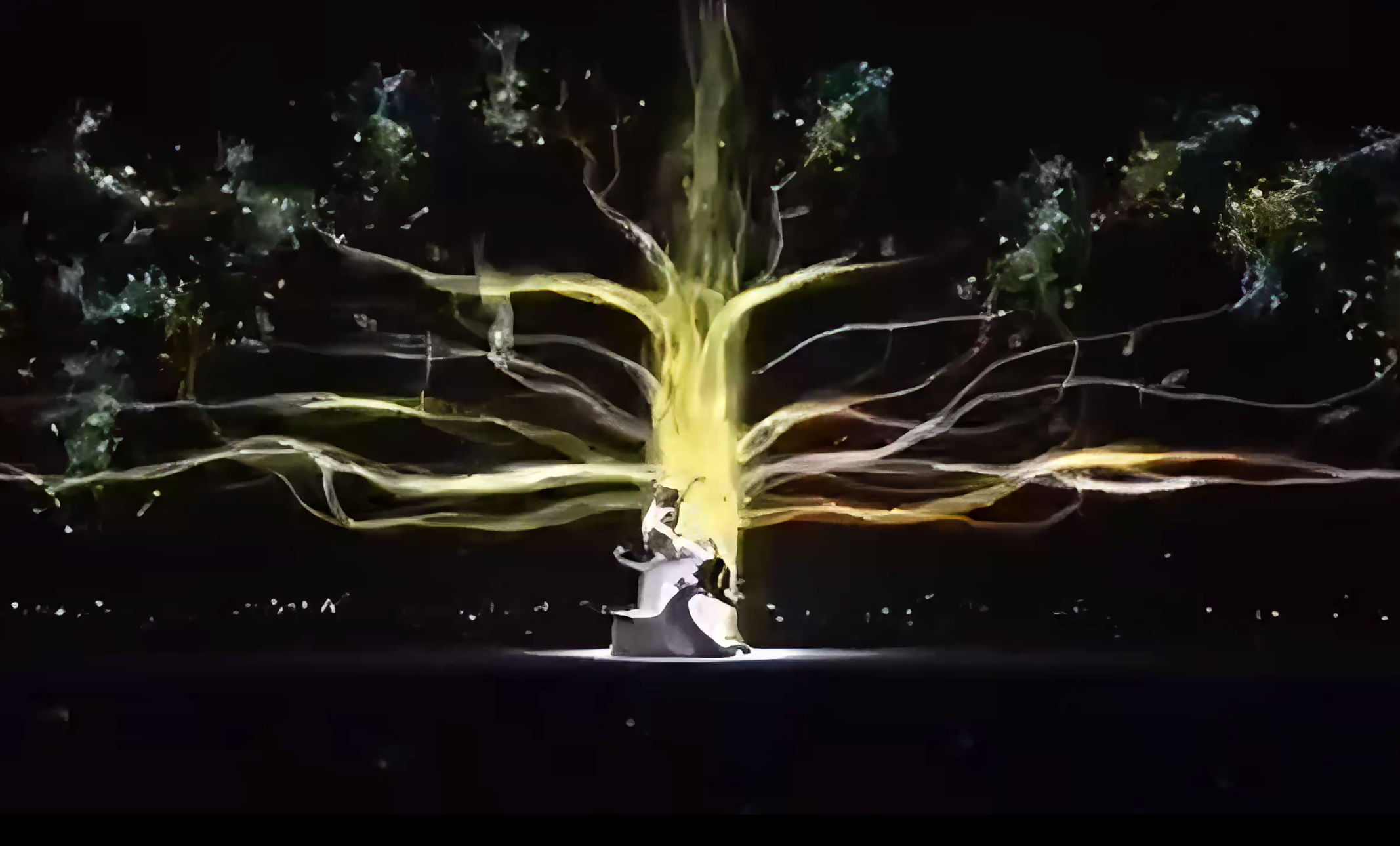
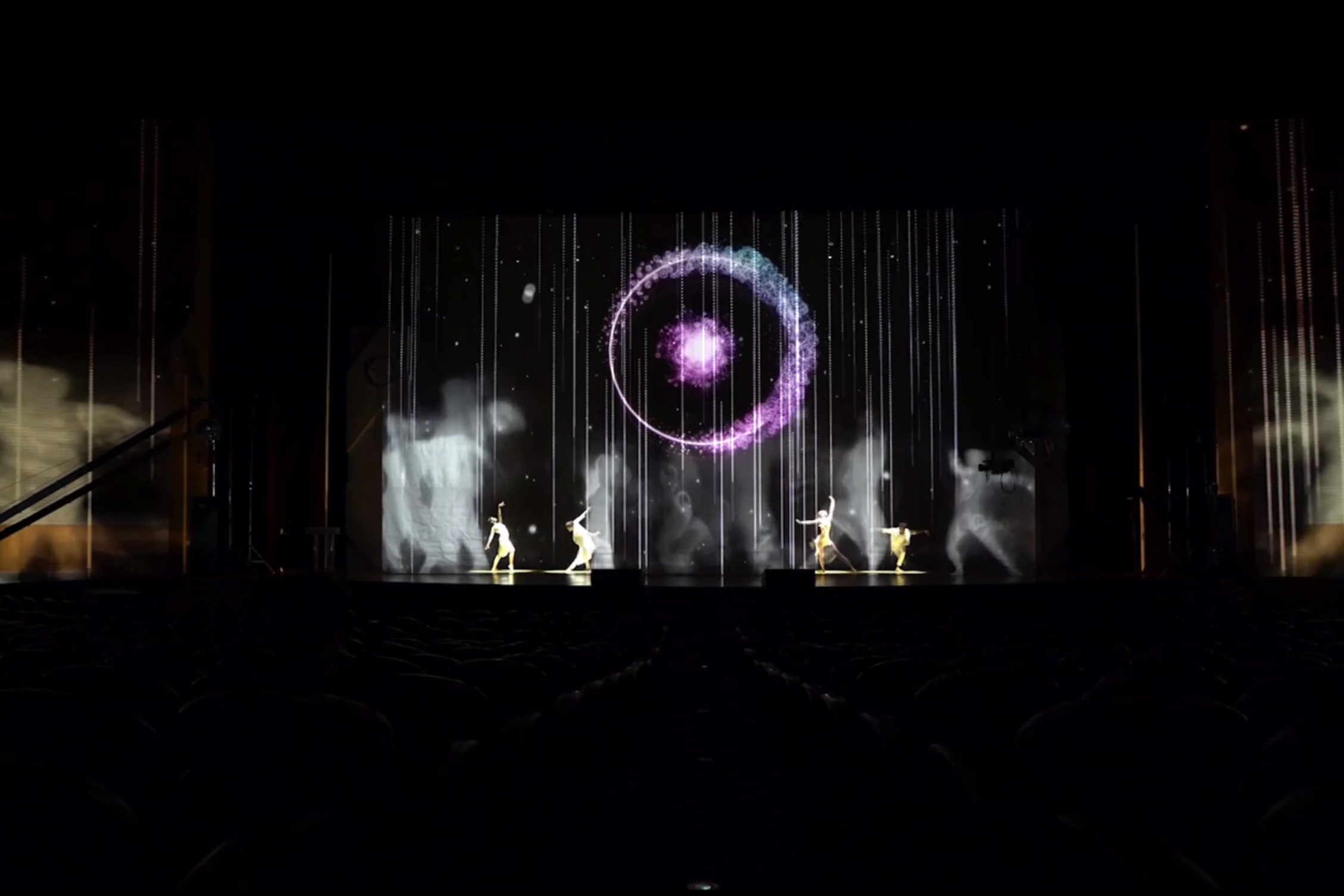
Selected Performance Frames

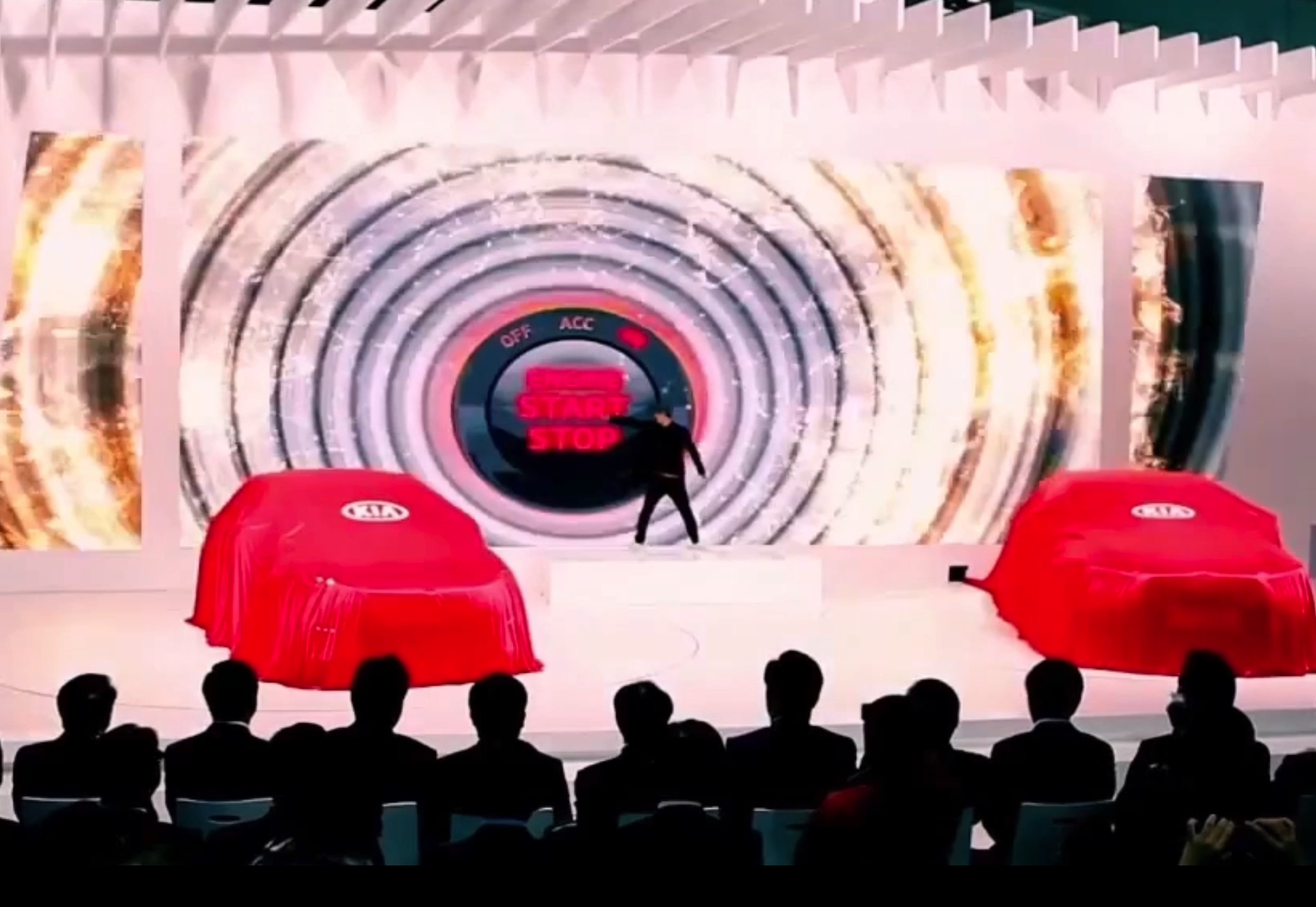
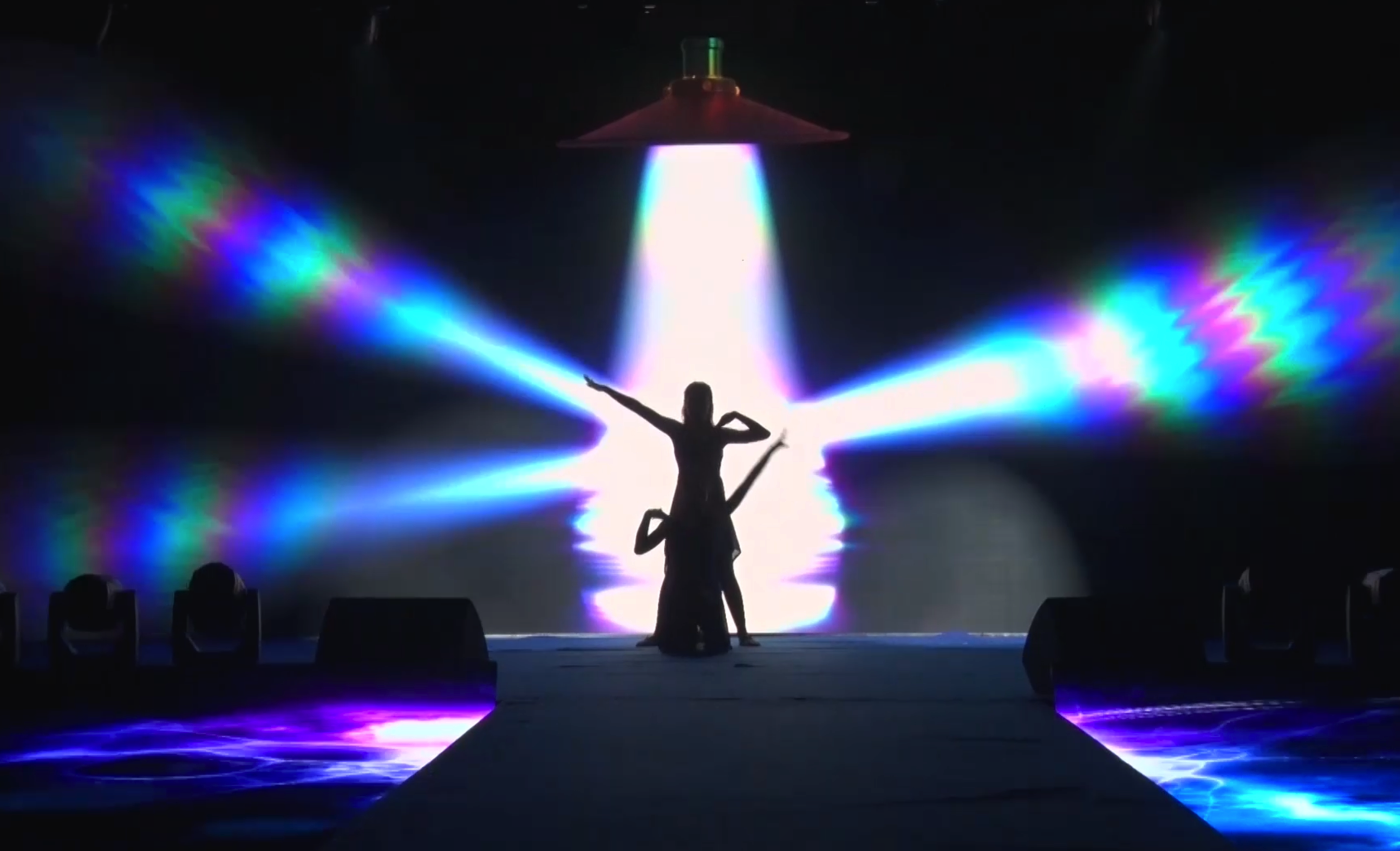
Five chapters move from fragmented type to gates, energy, individual focus, and a full ensemble pulse.

05PROJECT SYSTEM

Project & Stage Adaptation

Build clear pathways through the diagonal screen zones and lock fast movement to type, light, and ensemble accents.

Every visual transition is mapped against performer positions, gesture endpoints, musical cues, and screen composition. This keeps the interaction readable in rehearsal and gives the production team clear timing references instead of relying on guesswork on show day.

Adaptation begins with the actual screen ratio, stage dimensions, cast, sightlines, lighting, and show length. Brand text, colors, product imagery, and final reveals can then be rebuilt inside the existing structure, with output versions prepared for the main screen, side screens, or irregular LED layouts as required.

Adaptation Priorities

  1. Performer positions and interaction cue points
  2. Gesture direction, timing, and visual response
  3. Screen ratio and safe-area adjustment
  4. Rhythm, transitions, and section length
  5. Color, typography, and brand integration
  6. Main-screen, side-screen, or irregular-screen layout
  7. Rehearsal reference and preview output
  8. Final deliverables confirmed for the production
06DELIVERY & RIGHTS

Delivery & Usage

Confirm cast and stage structure before adapting the typography, routes, and final group sequence.

Youth in Motion captures energy without mistaking noise for momentum. It gives individuals room to stand out, then shows how those distinct strengths can become a coordinated force on stage.

01

Usage & Delivery Notes

The finished performance, organized visual project, and editable After Effects files shown on this page are produced and prepared for stage use by VJ Dance. VJ Dance can also provide screen slicing, brand integration, versioning, and live-show file preparation.

USAGE BOUNDARY

Keep Using It, But Do Not Resell It

Purchase or customization grants usage rights within the agreed scope. You may use and modify the project for your own productions as permitted, but you may not resell, sublicense, lend, share, publicly upload, copy, redistribute, repackage, or provide the project files, source assets, previews, or revised files to a third party without written permission from VJ Dance. Unauthorized distribution, sharing, or commercial resale may result in legal action.

02

Rights & Disclaimer

The project files offered on this page are digital stage-visual assets independently produced, organized, and delivered by VJ Dance. VJ Dance retains the relevant production interests in the visual work, project structure, source organization, and adaptation of those files. After purchase or customization, the client may use the agreed project in their own productions for rehearsal, live presentation, version output, later revisions, repeat performances, and content adaptation. Rights in any referenced work, existing choreography, music, trademark, likeness, organizer-supplied material, or other third-party content remain with the respective owner. The final user is responsible for confirming the permissions and commercial-use scope required for the actual production. Delivery follows the files, technical conditions, and license scope confirmed by both parties. Before using the project for a new event, channel, or production entity, the user should recheck the relevant permissions and complete file backups, visual testing, and on-site system compatibility checks. VJ Dance may provide production and technical adaptation support, but cannot assume additional responsibility for unconfirmed third-party rights, use outside the agreed scope, or issues caused by differences in on-site hardware and software.

VJ Dance · Custom Stage Visuals

Give every young spark a beat—and the whole team a direction.

Talk to VJ Dance

Account ID

vjdance